
 Add to Chrome
Find
Search
Find saved references by using clearer names, notes, and collections.
Search works best when the archive reflects the language you naturally use to find things again. Titles, notes, tags, and collection names all contribute to that.
Use the search bar to narrow results fast
The search bar is useful when you remember part of the reference but do not want to browse manually through folders, boards, or filters.
Keep Mates search can help surface saves through details such as tags, site names, colors, fonts, and other identifying terms tied to the saved reference.
- 1
Click into the search bar at the top of the board.
- 2
Type the term you remember, such as a tag, site, color, font, or another useful keyword.
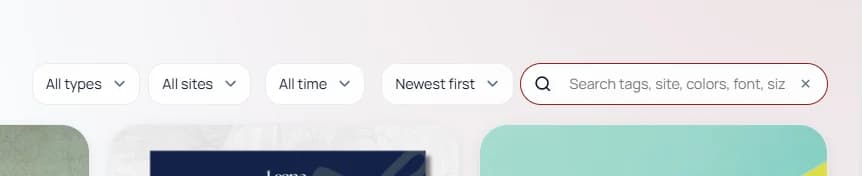
Search helps you narrow the board quickly when you remember a clue but not the exact item name. - 3
Use the filtered results to jump straight to the right saved reference instead of scanning the full board.
Pro tip: Search works much better when saves have clear notes, reusable tags, and folder names that match the words you naturally think of later.
Make your saves easier to search later
A little structure at save time improves search quality dramatically later. If titles are vague, add a short note or use a clearer folder and tag combination.
The best search result is the one you recognize quickly without having to reconstruct why you saved it.
- Use clear folder or board names.
- Prefer reusable tags over one-off labels.
- Add a short note when the page title is too vague.